Custom coin artwork requirements are straightforward: send the best source files you have, label visual references, and state what you are allowed to use. A reviewable package helps distinguish finished art from inspiration and prevents assumptions about logos, photographs, or borrowed imagery.
You do not need a polished production file to begin. A readable sketch, original logo, or organized references can be enough when you identify what is final, what is directional, and who can authorize each asset. For the broader context, start with custom project planning.
What the artwork package needs to answer
An artwork package should answer four questions: What belongs on the piece? Which files are authoritative? Which images are references rather than copy-ready art? Who can approve each third-party or organization-owned element? Clear answers matter more than a large, unlabeled image dump.
Treat the package as a decision record. A shared folder and one-page note are enough. Label unsettled elements as open, rather than making them look final. That keeps the discussion on content and clarity instead of unrelated production choices.
- Primary artwork: logos, line art, illustrations, or wordmarks intended to appear on the piece.
- Required wording: exact spelling, capitalization, punctuation, and symbols.
- References: images that communicate a pose, era, composition, or mood but are not instructions to duplicate.
- Rights note: the person or organization able to approve each non-original asset.
Send the clearest files you already have
For logos, lettering, and line art, a native vector or editable source file is often the most useful starting point because paths and type can be checked without enlargement blur. Examples can include AI, EPS, SVG, or vector PDF. If only raster art exists, send the largest clean original, not a web preview or compressed message attachment.
Name files for their role, not their download history: `approved-logo-vector.svg`, `obverse-text-final.pdf`, and `reference-eagle-posture.jpg` make the hierarchy clear. Keep editable files with quick-view exports, but ask for project-specific guidance before rebuilding art; details that read well on screen can still require clarification when interpreted as relief.
- Include a source file and quick-view export when both are available.
- Identify one file as the current approved version and date or number revisions.
- Place unused alternates in a separate folder so they are not mistaken for instructions.
Keep source art and reference art separate
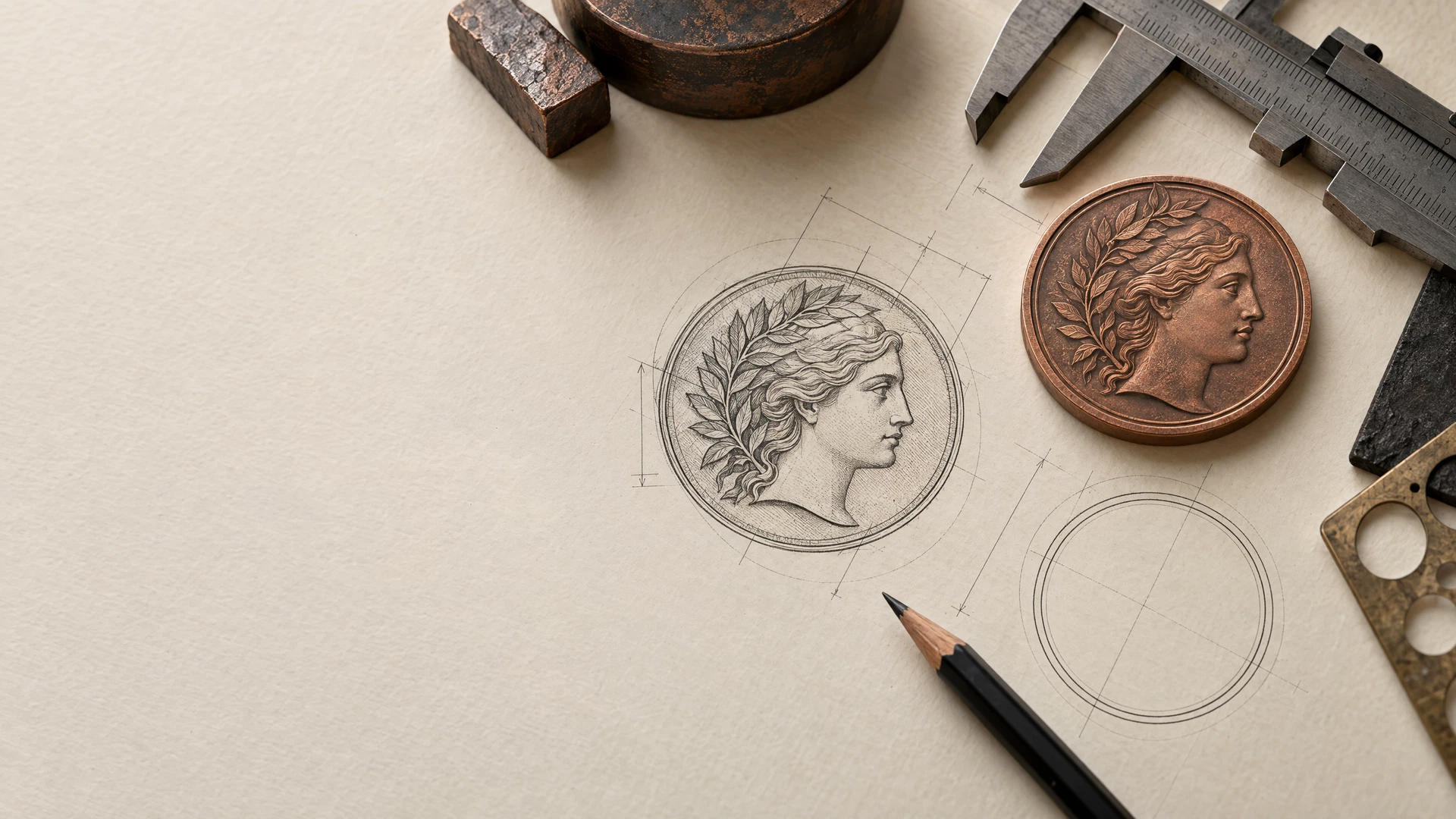
A source-art folder contains elements meant to be placed or interpreted directly: an approved logo, original illustration, or final lettering. A reference folder contains images that explain visual intent. A photograph, book page, or online image can be useful reference, but should not quietly become the art file.
Add a short note below each reference: “use the wing angle only” or “border rhythm, not copy.” It gives the reviewer a usable instruction and helps prevent a reference image from being treated as cleared production artwork.
Record permission before the artwork is interpreted
Permission is a project input, not a proof-stage detail. For every asset you did not create, note who supplied it, who owns or controls it as far as you know, whether you have written permission or a license, and what use that permission covers. If the answer is unclear, flag the asset rather than assuming that online availability, an old scan, or a prior purchase transfers reproduction rights.
U.S. copyright law gives owners exclusive rights that include reproducing a work and preparing derivative works, while allowing owners to authorize others to exercise those rights (U.S. Copyright Office). The Office lists illustrations, photographs, graphic designs, logos, and sculptures among visual-art categories (U.S. Copyright Office—Visual Arts). These facts do not decide a particular project; seek qualified legal advice if ownership or scope is unclear.
Logos deserve a separate check. The USPTO explains that trademarks can include names or logos used to identify goods or services (USPTO—Trademark basics). Public display is not the same as approval. Use the site’s artwork and rights FAQ to bring unclear rights questions forward before submitting a design.
- Asset name and filename.
- Creator, brand, archive, or organization connected to it.
- Permission or license record and any stated limitation.
- A “do not use until confirmed” label for unresolved items.
Make reference images useful without asking them to be final art
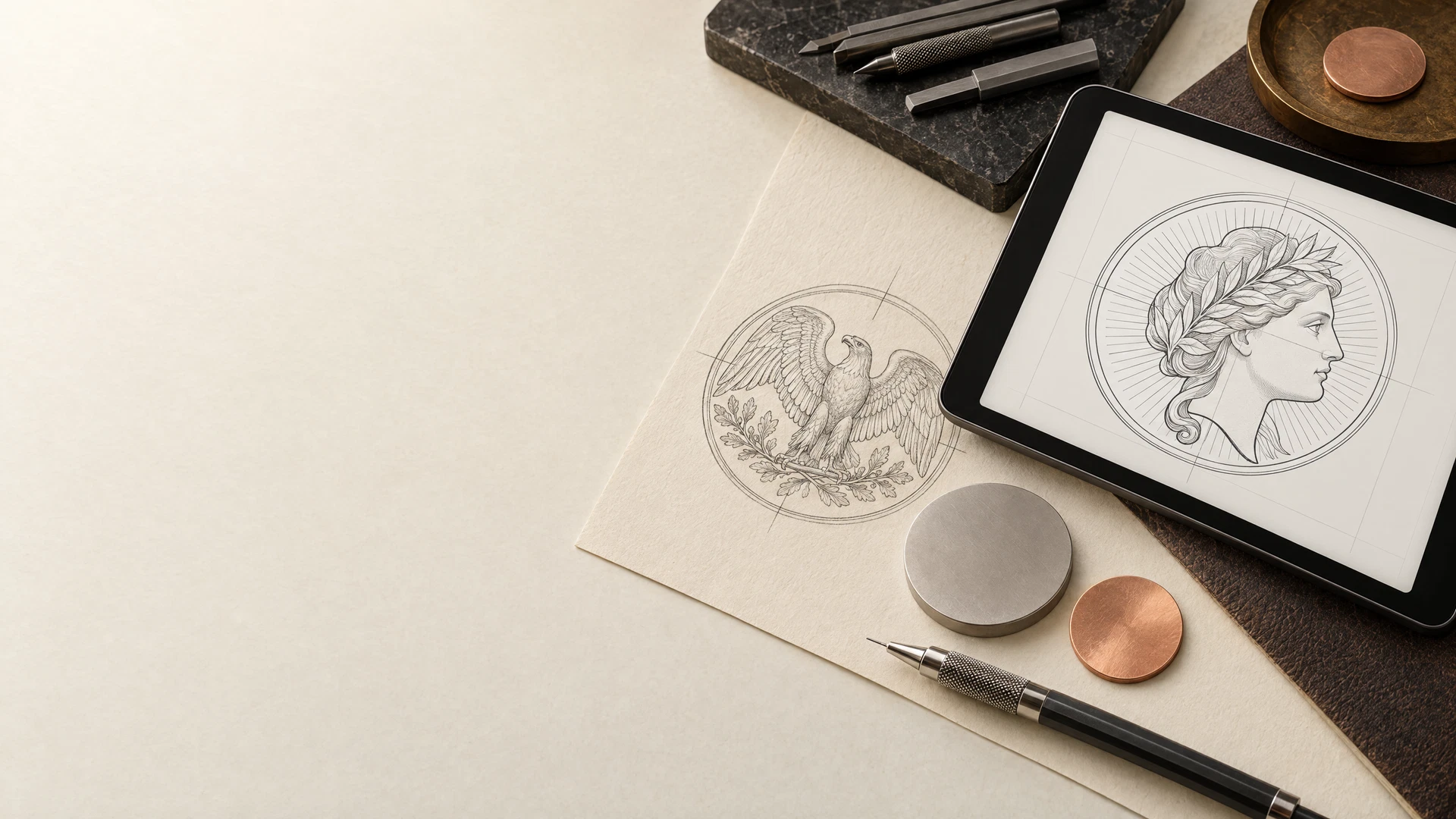
Reference images work best when each has a narrow job. One can establish a silhouette, another a period ornament, and a sketch the hierarchy of text and image. Mark the relevant feature and say what should change. A specific note is more useful than “use this exact picture” and less likely to blur the permission question.
Keep required text in plain, copyable form outside the images so wording can be checked independently. If you want background on how line art becomes a struck design, the minting guides explain the terminology without turning this artwork checklist into a production tutorial.
Use a compact handoff that survives revisions
Before sending the package, make one index page or email section that lists the files, their status, and the latest version date. State the intended front and back art only if that assignment is settled. List non-negotiable wording separately, so a replacement file or later proof can be checked against the same record.
Keep a copy of what you sent and update the index and rights note whenever artwork changes. A clean handoff cannot remove every project-specific question, but it makes one answerable: whether an image, logo, or draft was actually intended for use.
- Separate folders for approved source art and references.
- An asset list with filename, role, status, and version date.
- Exact required text in an editable document or email section.
- A permission note for each external or organization-owned asset.
Frequently asked questions
Do I need a vector file before I ask for a project review?
No. A sketch, readable logo, or labeled references can begin the conversation. Send the best version you have, identify it, and ask what final format would be useful for the specific concept before recreating the art.
Can I use an image I found online as a reference?
It can communicate a visual idea, but do not present it as approved copy-ready artwork. Record its source and describe the feature you want to convey. If it or an adaptation may be used, clarify permission and scope first; this article is not legal advice.
What should a logo permission note say?
Identify the logo file, the person or organization connected to it, who can approve its use, and any written permission or usage condition. If that information is uncertain, flag the logo instead of assuming public display permits reproduction.
Should I send several alternate designs?
You can, but label each alternate and name the preferred option. Keep deprecated versions outside the approved-art folder. A smaller package with a clear current choice is easier to review than many similar files.
A project conversation
Have the files and rights notes ready?
When your artwork, references, and any known permissions are organized, contact Hart Strike Mint for a project review. Share final and directional items, plus what needs confirmation.
Start a project reviewClosing perspective
Good preparation is not about arriving with a finished answer. It is about making the answerable parts visible: the best files, intended visual cues, exact wording, and permission status of anything you cannot approve alone.
A labeled, permission-aware package prevents avoidable confusion. Use the custom projects resource hub for adjacent planning guides, then keep the conversation anchored to current files and documented approvals.